

1. The blind spot Observe closes
Backend logs show authentication requests and their outcomes. They miss what happens before a request arrives: a user struggling with identifier entry, switching methods or abandoning the login. Passkeys add interactions with the operating system, browser and credential manager. Backend logs alone give limited visibility into these steps. A user who never gets past the passkey dialog produces no backend event at all. They simply disappear. That gap is what Corbado Observe measures. For the wider argument, see Why you need authentication observability for CIAM. The video below shows what that gap looks like in real data. Errors that never reach a server can still account for a large share of the logins that fail.2. How data flows through Observe
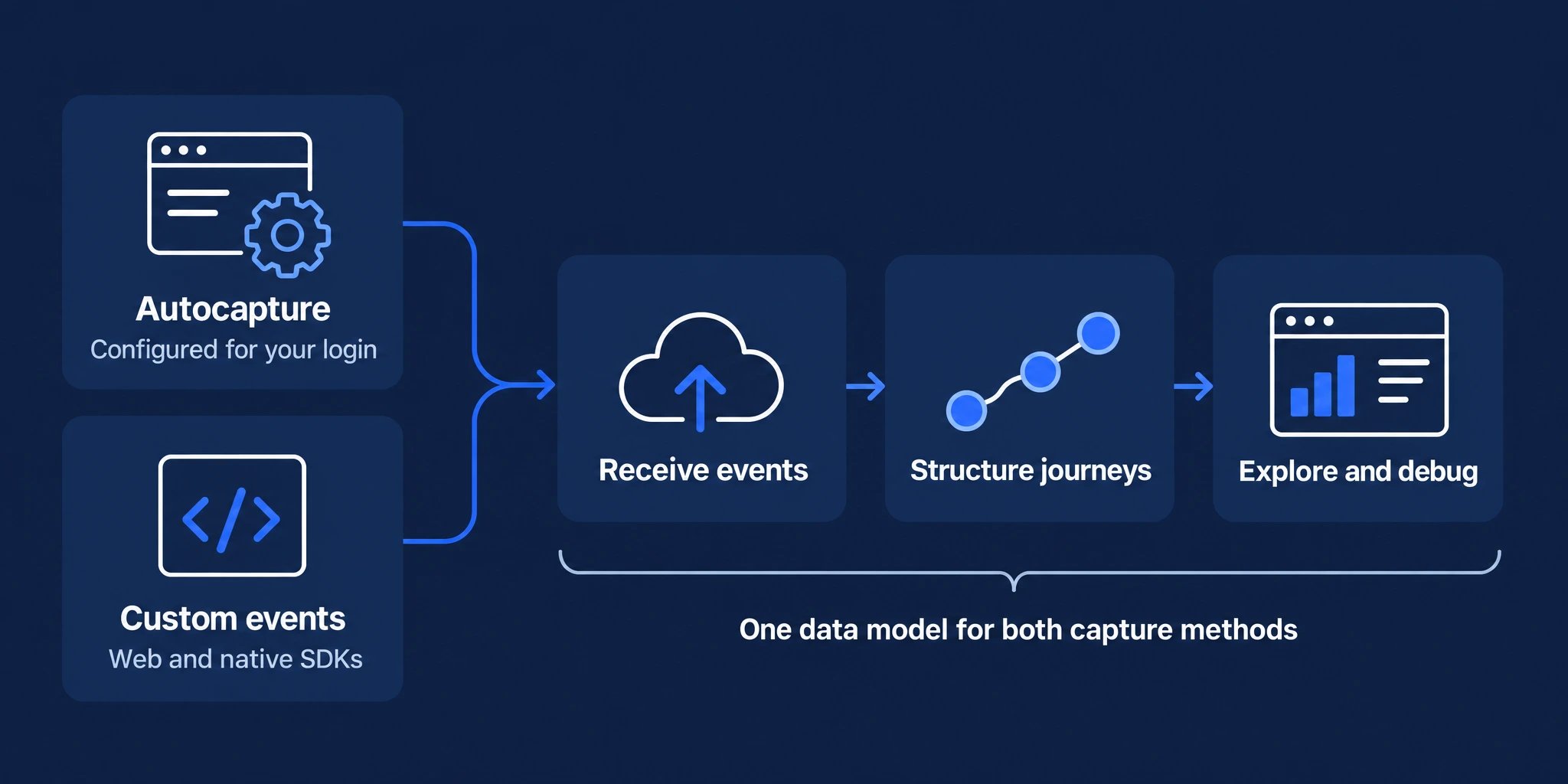
The two capture methods differ only in step 1. From step 2 onwards they run through the same pipeline.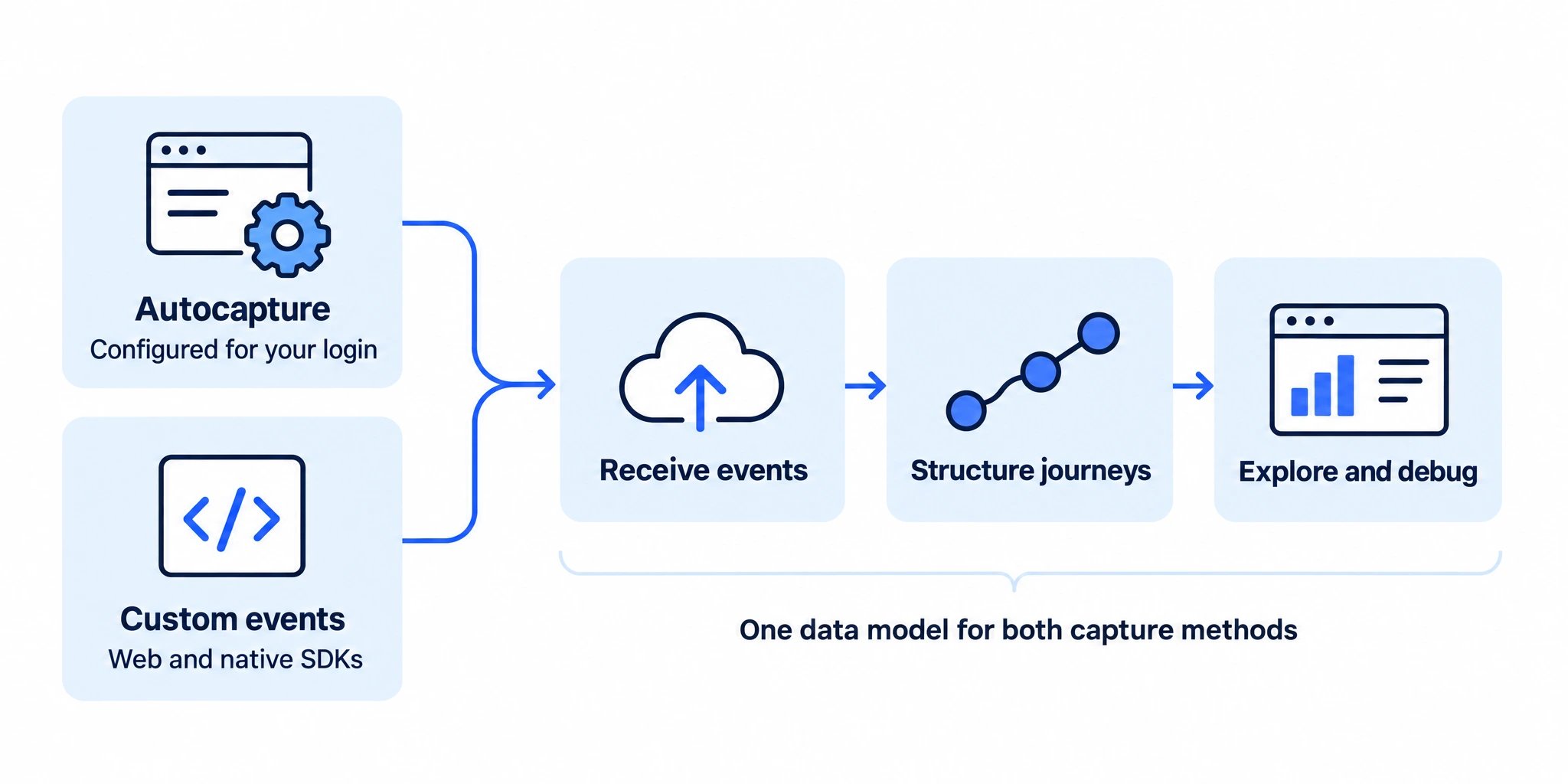
1
Capture
Autocapture observes what your web frontend already does. Custom events are events you emit yourself, from the web, iOS or Android SDK.
2
Send
Events are batched and sent asynchronously to Corbado. Delivery never blocks your UI and never sits in the authentication path.
3
Classify
Raw events are mapped onto the data model: flows (login, sign-up, recovery), subflows (passkey login, password enrollment, email OTP), decisions, users and tags. This is closer to process mining than to a flat event log, which is what makes it possible to reconstruct a journey including loops, retries and method switches.
4
Pre-calculate
Classified data is rolled into time series bucketed hourly, daily, monthly and total. Dashboards read a prepared series instead of scanning raw events, which is what keeps them fast on large projects. Cadence is automatic and can be tuned under Observe → Settings → Pre-calculation.
5
Analyze and debug
The management console reads pre-calculated series for funnels, friction and error analysis and device breakdowns. Open Debugging → User Search to inspect classified events and reconstruct a single journey by your user ID, or by the submitted identifier with the
id: prefix. Users and identifiers explains what a match means and what evidence connects an identifier to your user ID.A successful login with friction
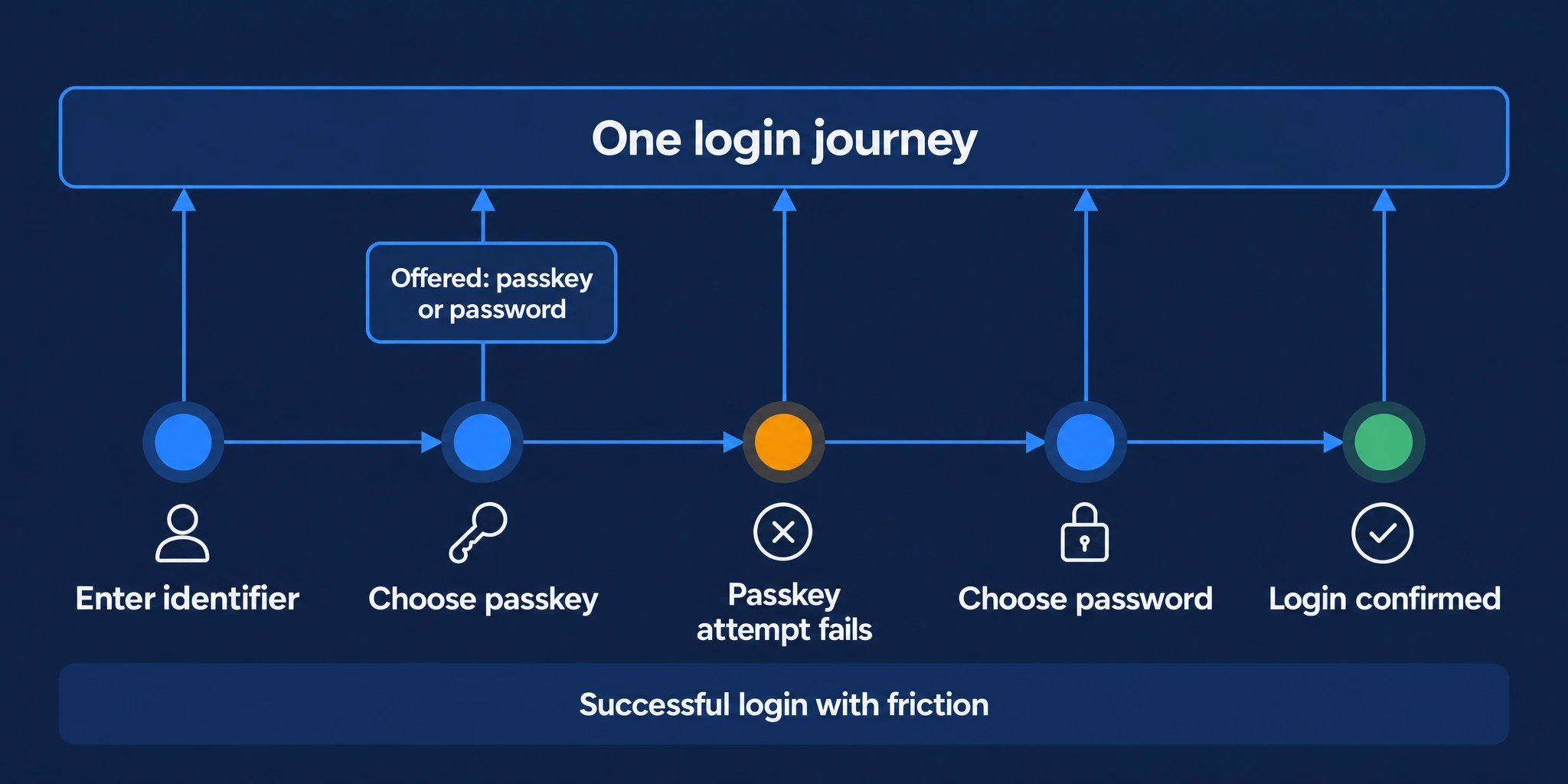
In this example, a user is offered passkey and password login. The passkey attempt fails, then the user switches to password and completes the login. Observe preserves the offered choices, failed attempt and method switch within the successful journey.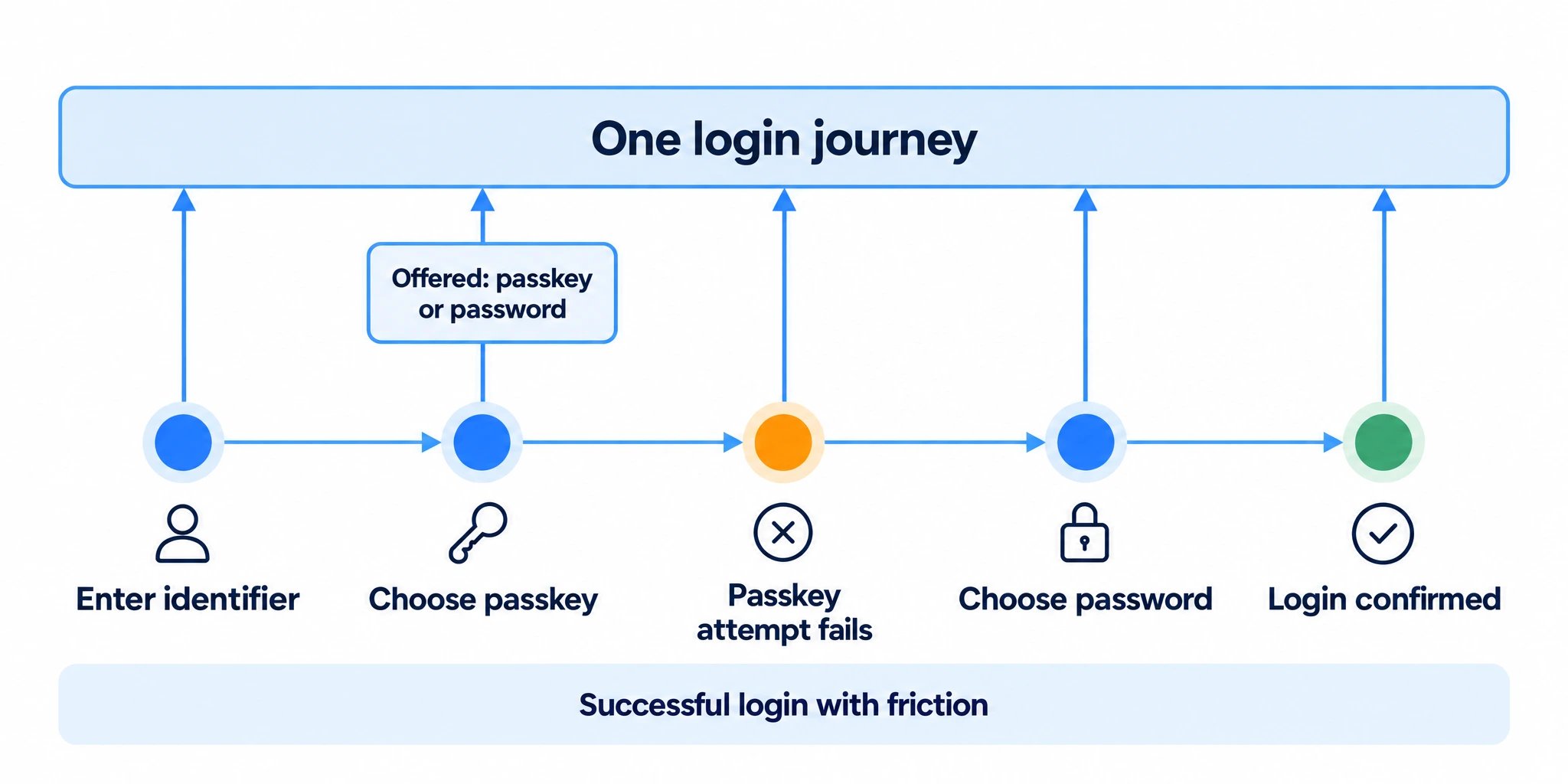
3. What Observe is not
4. Observe vs. Corbado Connect
See Corbado Connect if you want to add passkeys to your existing identity provider.
5. How Observe differs from your existing tooling
Observe complements these rather than replacing them. It is deliberately narrow: the client side of authentication, modeled properly. For a category-by-category comparison, see Which tool reports the real authentication success rate?
6. Next steps
Autocapture and custom events
Capture configuration, coverage and custom events.
Compatibility & constraints
Platforms, requirements and limits.