

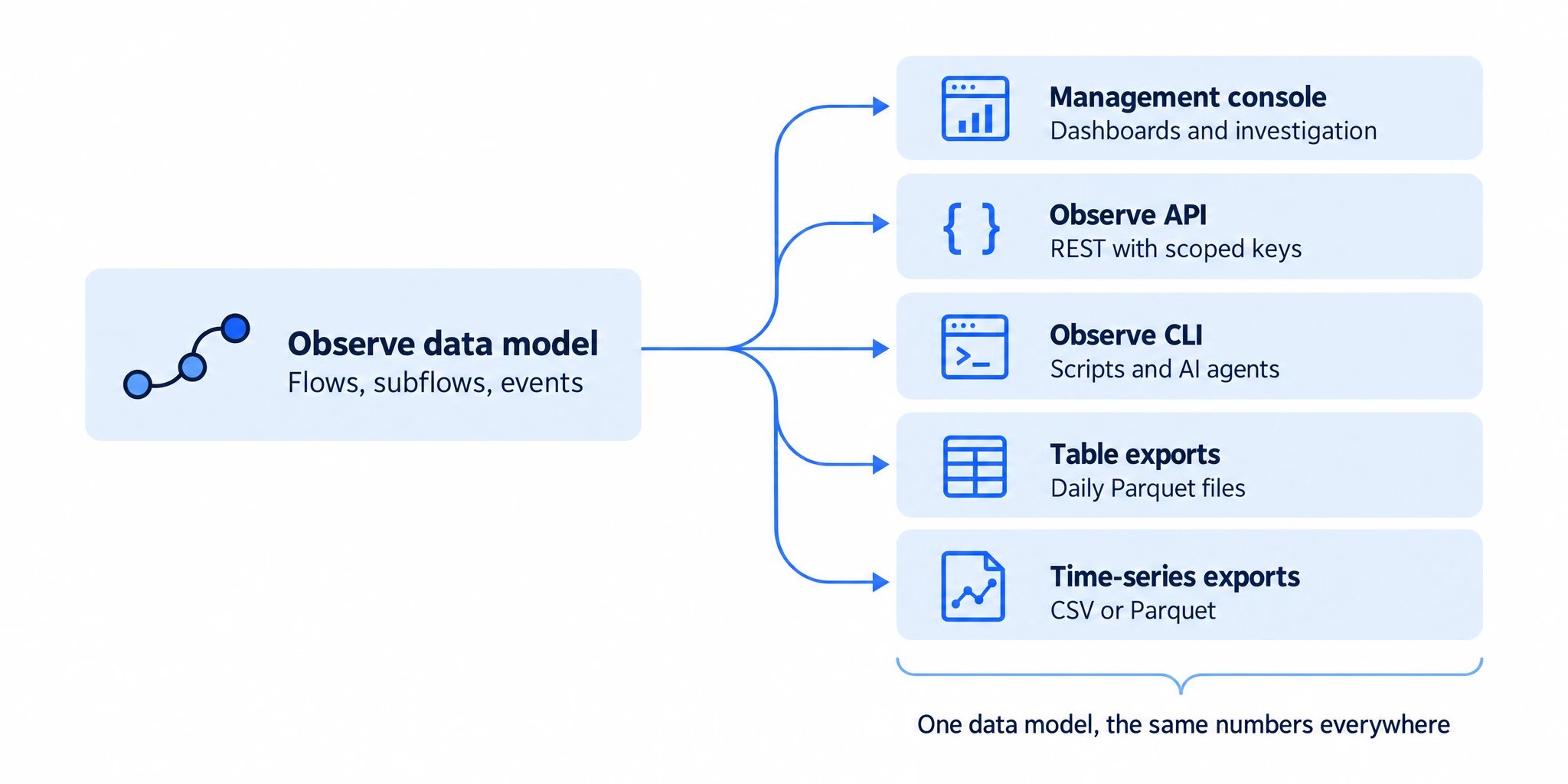
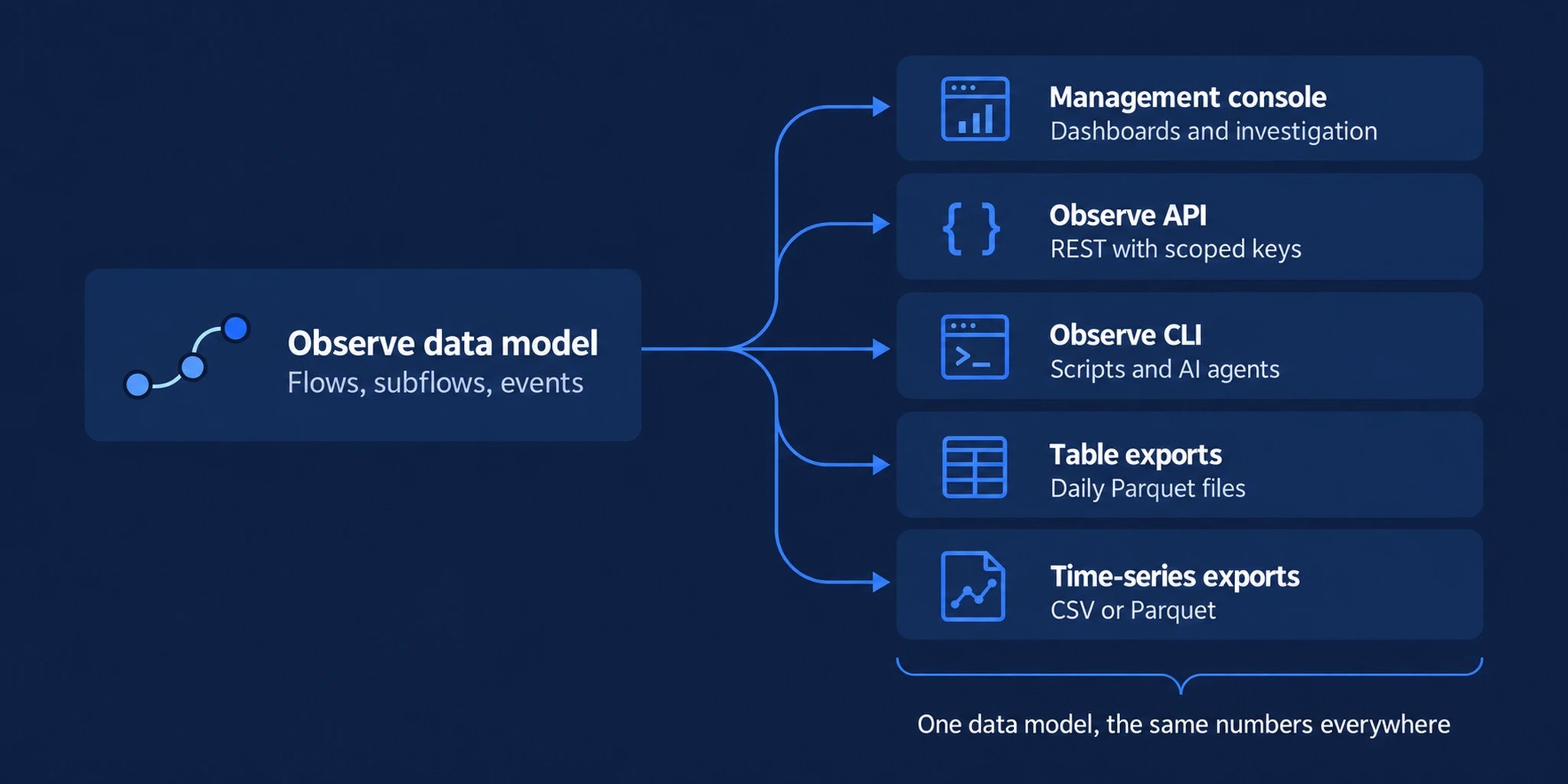
1. Ways to use your data outside the console
The API and CLI reflect the current state of your project. Table exports are written once per day for the previous day, so they suit history and joins with your own data rather than live monitoring.
For enterprise delivery requirements, discuss custom exports with Corbado.
2. What the data contains
- Classified journeys: flows such as login, sign-up and recovery, their subflows such as passkey login or email OTP, the options users were offered and the errors they hit. See the data model.
- Raw and low-level events: the events your integration sent and interaction signals such as focus, input and paste, for your own analysis.
- Environment data: browser, operating system, device and WebAuthn client capabilities per session.
- KPI series: the same pre-calculated series the console reads. Match the reporting interval, dimensions and filters when comparing numbers.
3. Security and privacy
- Scoped keys: every API key carries explicit permissions. Analysis and exports need read permissions only. Keys can be limited to IP addresses or ranges and can expire.
- Identifiers and user IDs: send either value in clear text or already hashed. A data policy can hash stored clear values later, preserving matching, or delete their references, removing the corresponding links. To join hashed values with your records, calculate matching hashes using the same configuration or keep a mapping.
- No input values by default: the Web SDK records how a field was filled, for example typed, pasted or autofilled, but not what was entered. The one exception is the submitted identifier, sent in clear or hashed form only when your integration passes it with a step. From Web SDK version 0.16.7, URL query values are masked by default.
- Data policies: set hashing and deletion periods per purpose, separately for submitted identifiers and user IDs. Retained journeys remain available after account references are deleted. See privacy and data policies.
- Per-user requests: export or delete all Observe data of a user through the API. See per-user export and deletion.
4. Compatible platforms
Exports use Apache Parquet and CSV, and the API returns JSON. Observe data therefore works with any platform that reads these formats, from lakehouses and warehouses to BI and monitoring tools. Connect your data platform shows the loading pattern and notes for common platforms.Data model
Tables, keys, time columns and schema changes.
Observe API
Authentication, permissions, endpoints and limits.
Exports
Table exports, time-series exports and per-user requests.
Connect your data platform
Load exports safely into your warehouse or lakehouse.